Start with a reusable artist context
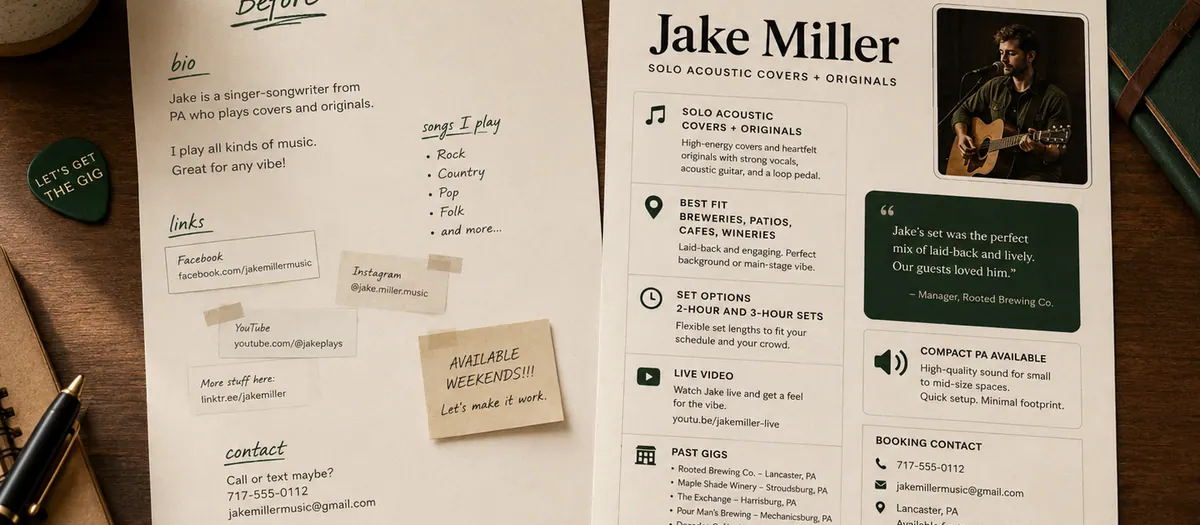
AI output becomes more specific when the assistant understands the act. Build a short context block with location, act format, genre, repertoire, set length, volume, setup, travel radius, strongest live link, venue types, availability, and any verified proof.
Save that block and update it when the act changes. Reusing accurate context is faster and safer than asking the assistant to infer your identity from a social profile.
Ask the assistant to interview you
A good prompt does not assume missing information. Tell the assistant to ask a small set of questions before drafting. It should identify gaps in the artist context and stop when a required detail is unknown.
This interview step is especially useful for positioning, bios, rate conversations, and booking emails because it keeps the final draft grounded in facts you supplied.
Use public venue evidence carefully
AI can help organize venue research, but it should never invent contacts, booking policies, calendars, or fit evidence. Provide source links or copied public information and ask the assistant to label each claim as verified, uncertain, or missing.
Before outreach, open the source yourself. Confirm the venue still operates, hosts live music, accepts your act type, and uses the contact method in the draft.
Generate options, then choose
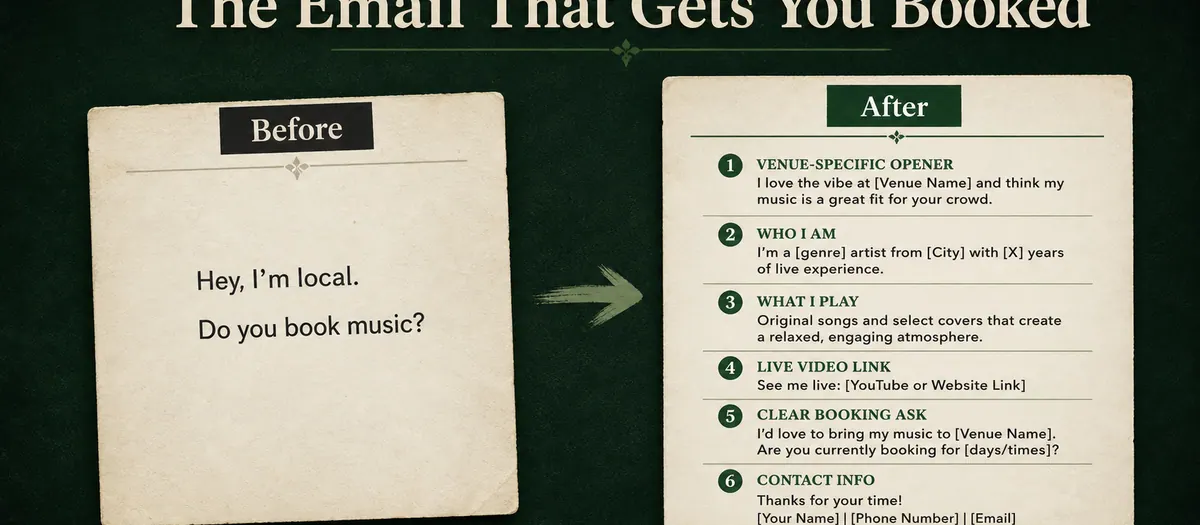
Ask for several subject lines, one recommended email, a shorter version, and one venue-specific sentence. Options make it easier to preserve your voice than accepting a single polished answer.
Tell the assistant to remove hype, guarantees, fake familiarity, and unsupported claims. The final message should sound like a musician offering a fitting live set, not a marketing department describing a revolutionary experience.
Build follow-up and tracking together
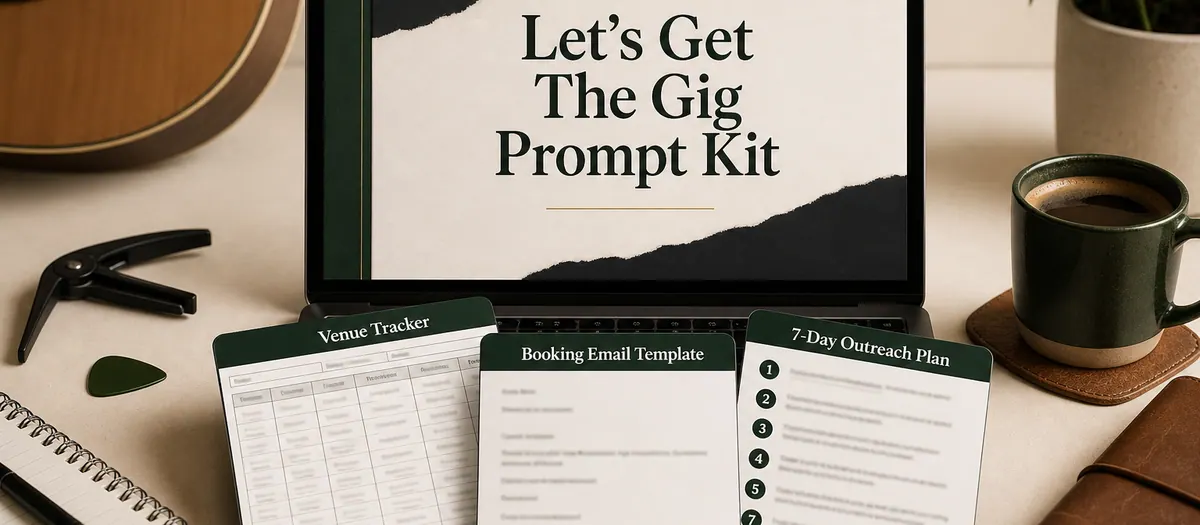
The draft is only one part of the system. Ask for a next follow-up date, a concise follow-up message, a stop rule, and the tracker fields needed to record the outreach.
When venues reply, paste only the information you are comfortable sharing and ask the assistant to summarize the response, identify the open question, and draft a short answer. Review every rate, date, and commitment yourself.
Use a human review checklist
Before sending any AI-assisted message, verify names, links, venue facts, dates, availability, rate language, spelling, and whether the draft sounds like you. Remove any fact you cannot confirm.
AI can reduce blank-page time and improve consistency. It cannot guarantee bookings, judge every local relationship, or take responsibility for promises made in your name.
Practical template
Starter prompt for a venue booking email
Act as a booking assistant for a local working musician.
First, ask me for any missing details about my act, location, set length, setup, live video, availability, venue fit, and the specific room I am contacting.
Do not invent venue facts, contacts, dates, rates, achievements, or audience claims. Clearly label anything I need to verify.
Then create five clear subject lines, one concise first-touch email, a shorter version, one venue-specific fit sentence, and a checklist I must review before sending.
Keep the tone professional, direct, warm, and free of hype or guarantees.
Replace every bracketed field, confirm each fact, and edit the result into your own voice before sending.
Frequently asked questions
Can AI find venues for musicians?
AI can help organize public research and compare fit, but you should verify every venue, contact, calendar, and booking policy from a current source before outreach.
Can I paste the same AI booking email to every venue?
Use a reusable core, but customize the venue-fit line and any requested details. Large generic blasts usually create weaker messages and less useful learning.
Do I need a paid AI tool?
No. Many booking workflows can be completed with free AI assistants. The quality of your real context and review process matters more than using a specific brand.
Build the complete system
Turn the advice into repeatable booking work.
The Local Gig Booking Kit includes 18 guided prompts for artist positioning, venue research, booking emails, follow-up, tracking, replies, rates, and monthly resets.